
Powerful Features
AI-Powered SQL Assistant
PREMIUMAdvanced multi-stage AI system that progressively analyzes your database schema and generates perfect SQL queries and dashboard widgets from natural language descriptions. Available in all paid tiers with usage limits based on your plan (Starter: unlimited during promo, Professional: 100 queries/month, Power: unlimited).
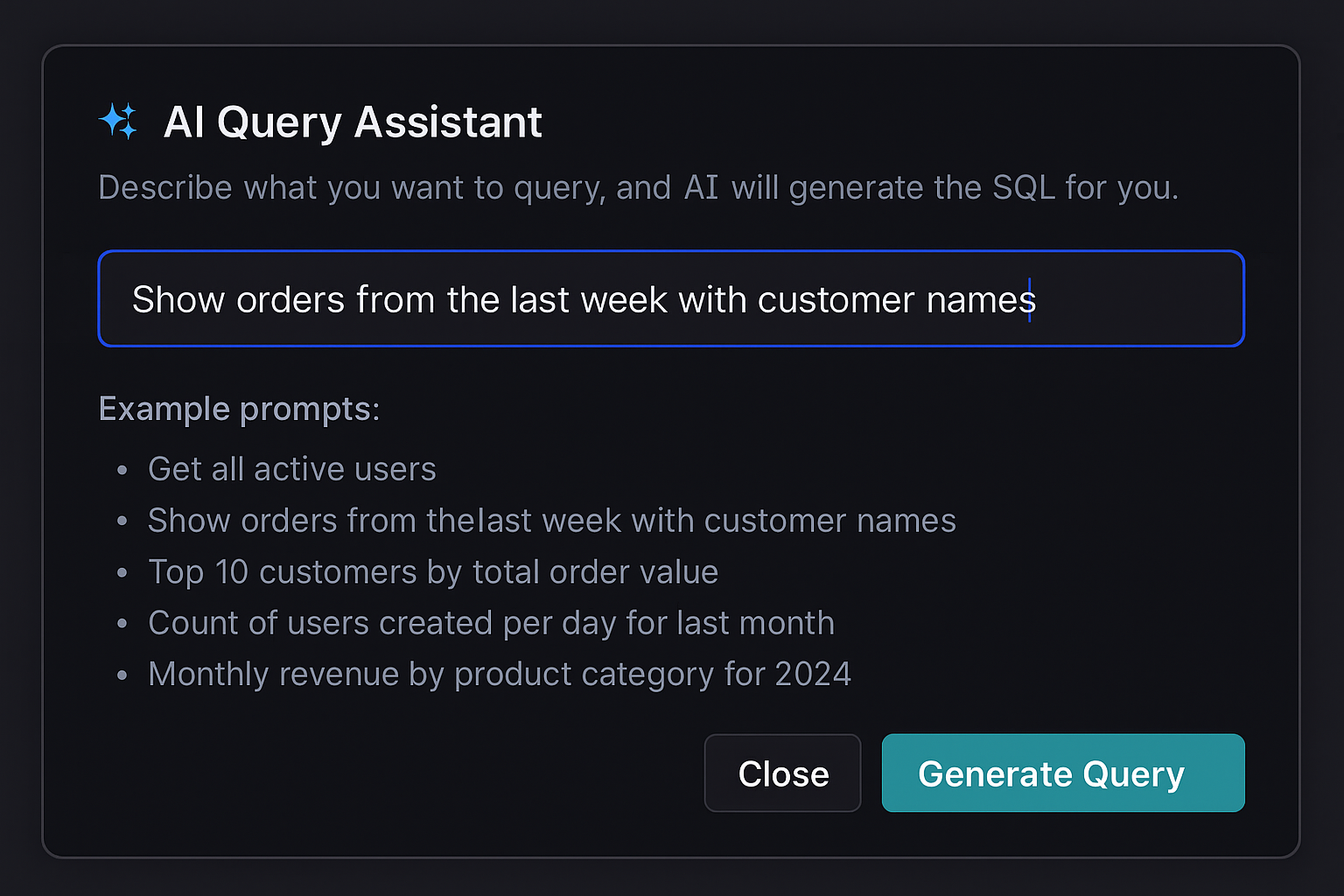
- ✓Natural language to SQL conversion with schema awareness
- ✓Multi-stage reasoning: table selection → schema analysis → query generation
- ✓Adaptive AI that fetches additional schema details only when needed
- ✓AI widget generation: describe dashboards in plain English
- ✓Schema-aware suggestions using exact column and table names
- ✓Table descriptions integration for enhanced context
- ✓Query optimization suggestions and error debugging
- ✓Context-aware AI that learns your database structure
- ✓Support for complex JOINs, aggregations, and time-series queries
Advanced Dashboards
Create beautiful, customizable dashboards with real-time data visualization. Perfect for monitoring your database metrics and KPIs.
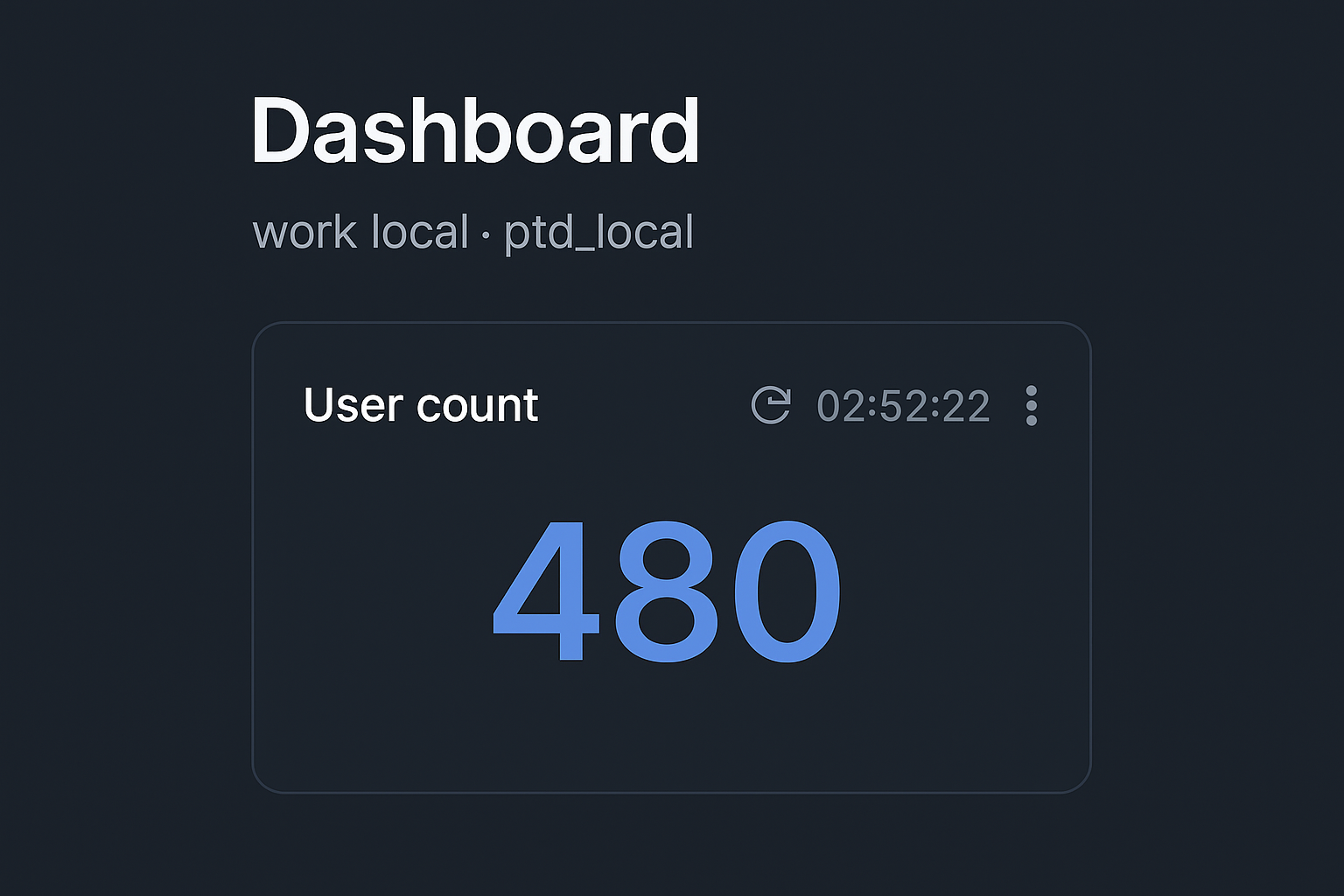
- ✓5 widget types: count, line charts, bar charts, pie charts, and tables
- ✓AI-powered widget generation from natural language
- ✓Auto-refresh intervals for live data updates
- ✓Per-connection dashboards with custom layouts
- ✓Table widgets with pagination and sorting
- ✓Customizable chart configurations (axes, colors, legends)
- ✓Export dashboard data to multiple formats
Advanced SQL Editor
Professional SQL editor built on Monaco Editor with everything you need to write queries efficiently.
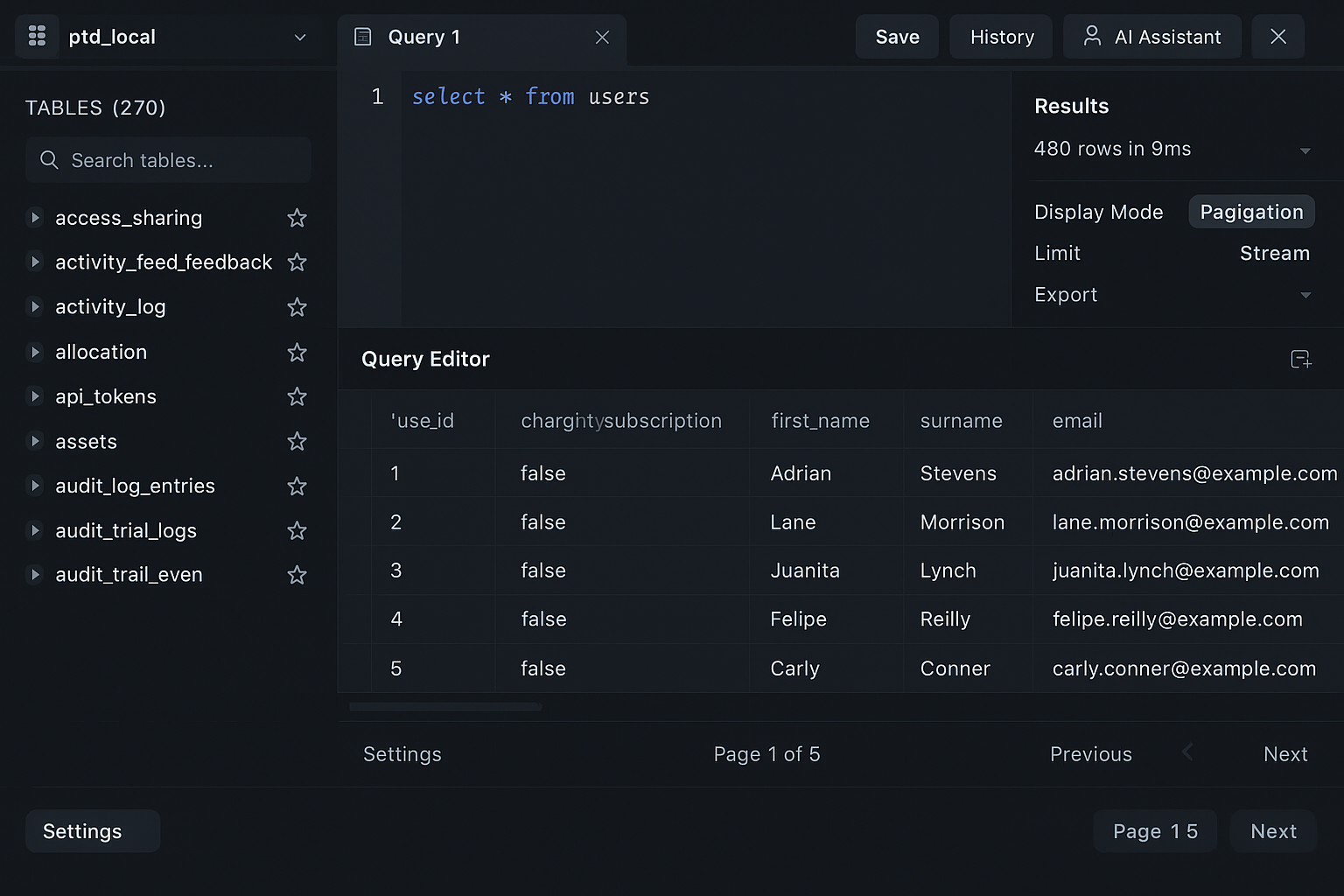
- ✓Syntax highlighting for SQL
- ✓Auto-completion for tables, columns, and functions
- ✓Multiple query tabs with auto-save
- ✓Query execution with configurable timeout
- ✓Keyboard shortcuts (Ctrl+Enter to execute)
- ✓Tab renaming and management
- ✓Unsaved changes detection
Schema Explorer
Browse your database structure with ease. See tables, columns, indexes, and relationships.
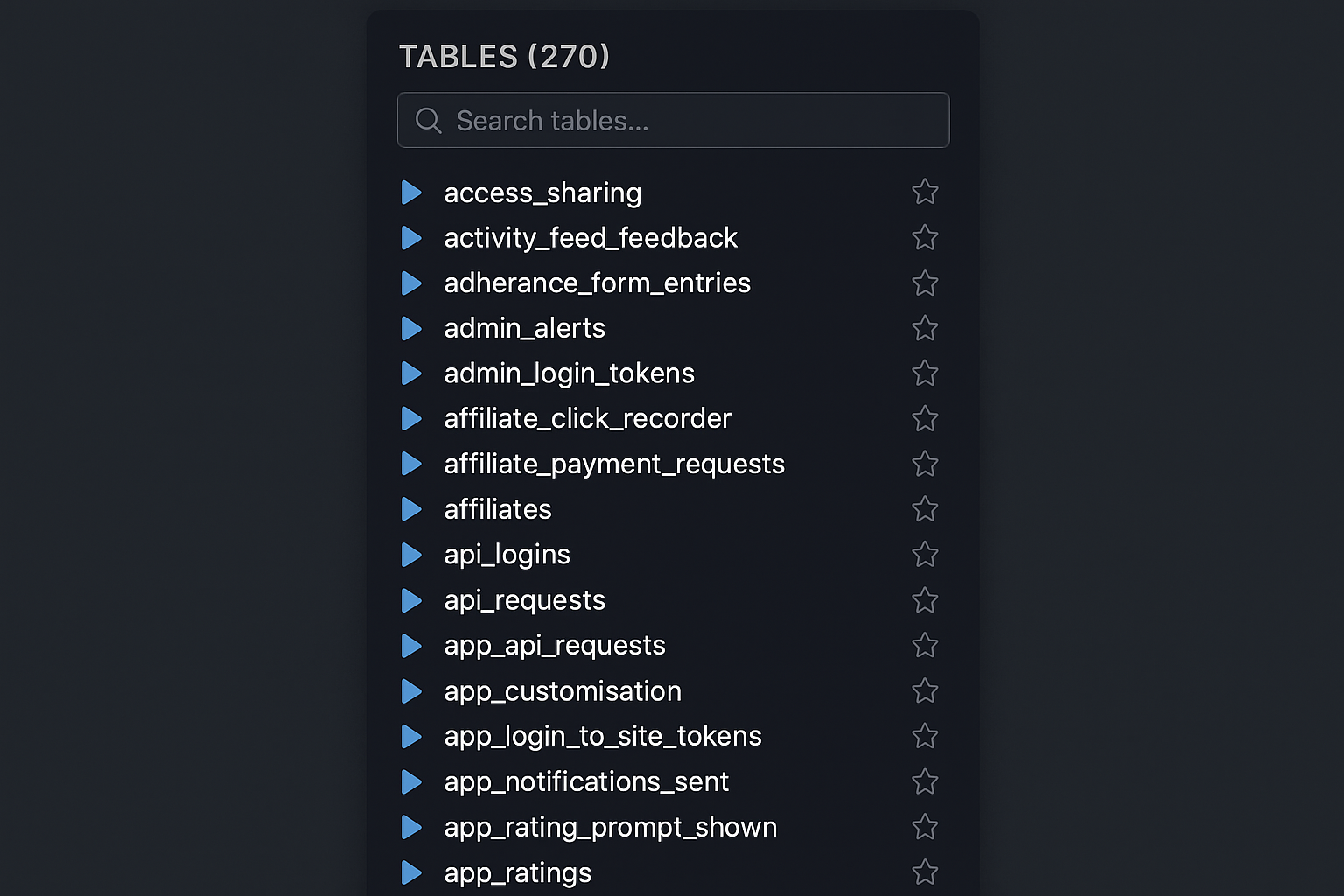
- ✓Browse databases and tables
- ✓View column details and types
- ✓Explore indexes and foreign keys
- ✓View triggers and views
- ✓Quick data preview
- ✓Add custom table descriptions for AI context
User & Permission Management
Comprehensive database user management with role-based access control. Create, edit, and manage users with granular permission control.
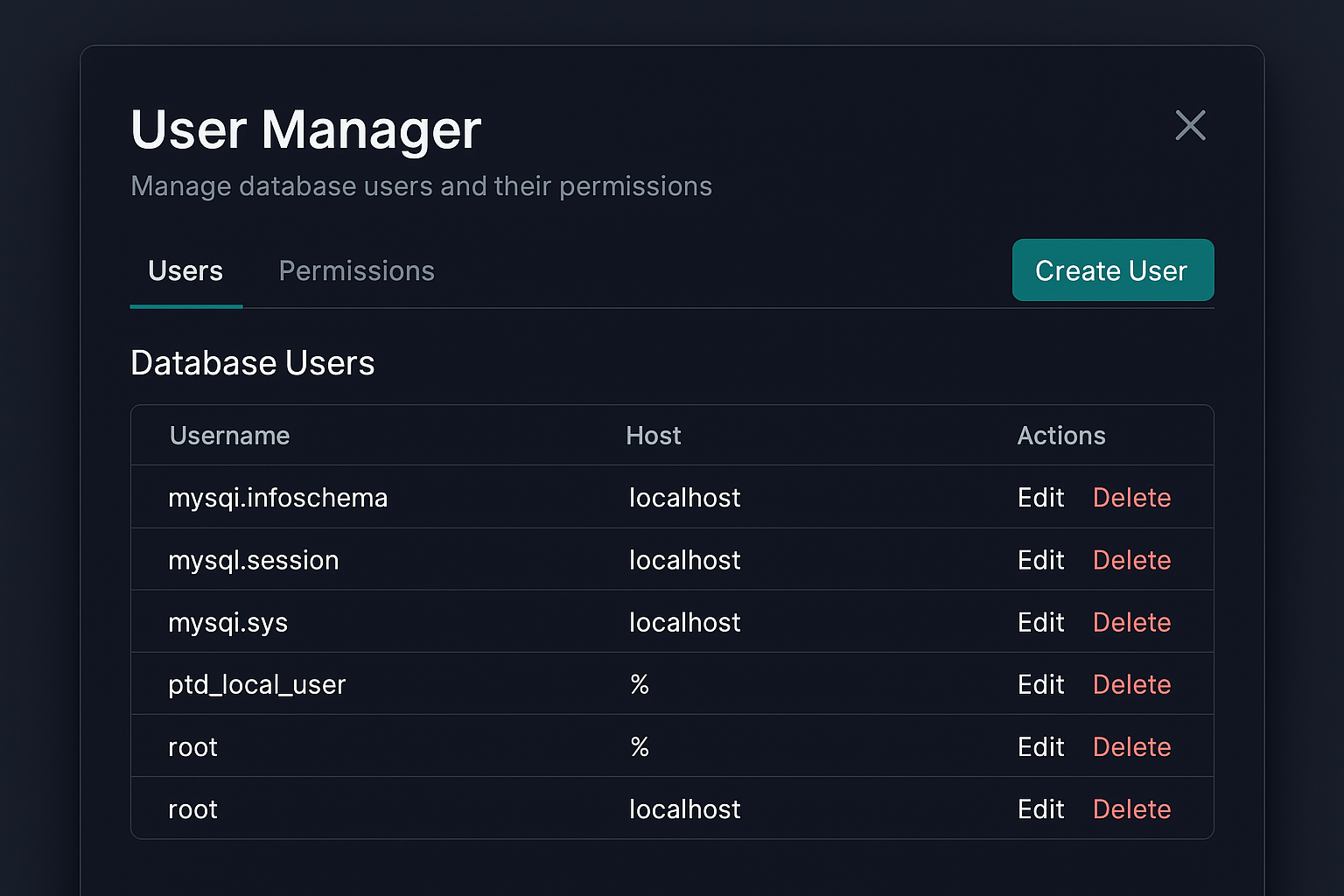
- ✓Create, edit, and delete database users
- ✓Role-based permissions: Admin, Read-only, Read-write, Custom
- ✓Grant and revoke privileges with preview
- ✓Database and table-level permission control
- ✓View current user grants and permissions
- ✓Permission change preview before applying
- ✓Support for custom privilege combinations
- ✓Host-based user management
Table Descriptions
Add custom descriptions to your database tables to enhance AI-powered features and improve team collaboration.
- ✓Add custom descriptions to any table
- ✓Descriptions used as context for AI features
- ✓Improves AI query and widget generation accuracy
- ✓Persistent storage per connection and database
- ✓Edit descriptions anytime from table management modal
- ✓Helps AI understand table purpose and relationships
Data Editing
View and edit your data directly in the app through an intuitive modal interface. No SQL required for simple updates.
- ✓Modal-based row editing with form interface
- ✓Row-by-row updates with validation
- ✓Primary key detection for safe updates
- ✓Safe delete with confirmation dialogs
- ✓Data type validation
- ✓Support for NULL values and default values
Import/Export System
Comprehensive data import and export capabilities supporting multiple formats with preview and mapping options.
- ✓CSV import with column mapping and data preview
- ✓SQL file import and execution
- ✓Export query results to CSV, JSON, Excel, or SQL formats
- ✓Full database export as SQL dumps
- ✓Table-level export with customizable options
- ✓Progress indicators for large operations
- ✓Data validation and error handling
- ✓Export history tracking
SSH Tunnel Support
Securely connect to remote MySQL databases through SSH tunnels with support for multiple authentication methods.
- ✓SSH tunnel configuration in connection dialog
- ✓Key-based authentication (private key files)
- ✓Password-based SSH authentication
- ✓Encrypted SSH credential storage
- ✓Tunnel status indicators and monitoring
- ✓Support for custom SSH ports and configurations
Database Export Tools
Export entire databases or individual tables with comprehensive options for schema and data export.
- ✓Full database SQL dump generation
- ✓Selective table export (choose specific tables)
- ✓Configurable export options (DROP, CREATE, INSERT statements)
- ✓CSV export for individual tables
- ✓Batch export for multiple databases
- ✓Export progress tracking and error handling
Query Management
Organize, save, and manage your SQL queries with history tracking and favorites system.
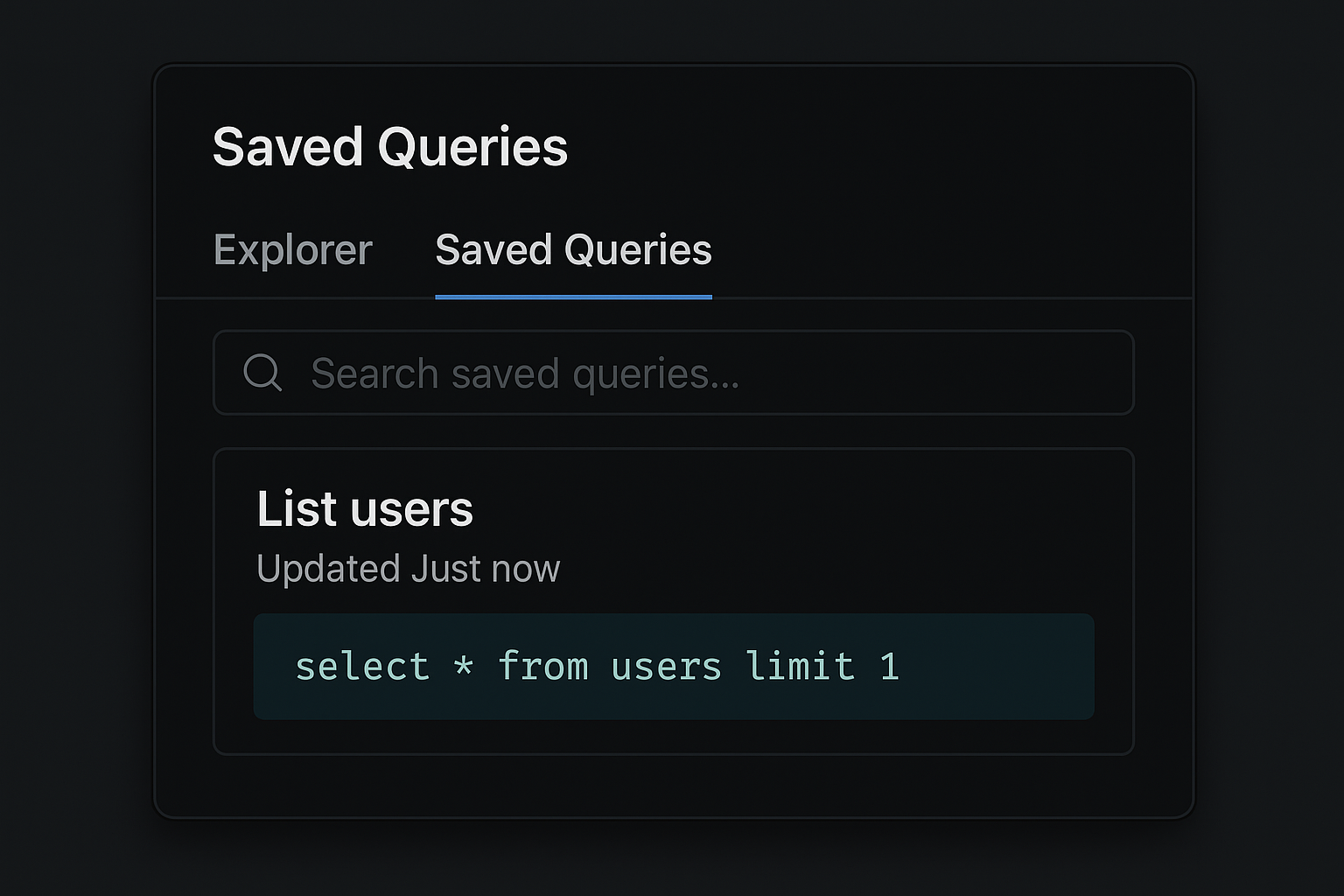
- ✓Save queries with custom names and descriptions
- ✓Query history with execution tracking
- ✓Favorites system for quick access
- ✓Query log with execution times and results
- ✓Search and filter saved queries
- ✓Export query history and favorites
Multiple Result Modes
View query results your way with multiple display modes optimized for different use cases.
- ✓Pagination mode (100 rows per page)
- ✓Limit mode (show N rows with load more)
- ✓Stream mode (real-time results)
- ✓Virtual scrolling for large datasets
- ✓Export results to CSV, JSON, Excel, or SQL
- ✓Result detail modal for row editing
Security & Privacy
Your data stays on your machine. We take security seriously.
- ✓Encrypted credential storage
- ✓SSL/TLS connection support
- ✓No data collection or tracking
- ✓Local-first architecture
- ✓Privacy-focused design
MySQL-Optimized
Built specifically for MySQL and MariaDB with deep optimizations and driver-level support.
- ✓MySQL 5.7, 8.0+, and MariaDB 10.0+ support
- ✓Plugin-based driver architecture
- ✓MySQL-specific query optimizations
- ✓Support for MySQL functions and features
- ✓Connection pooling for performance
- ✓Multiple driver implementations (MySQL, MySQL 8.0, MariaDB)
Ready to try DBWillow?
Start your 14-day free trial today. No credit card required.
Download Free Trial