
The MySQL Client That Writes SQL For You
AI-powered database client that understands your schema. Generate queries, create dashboards, manage users & permissions, and control your MySQL databases with natural language. All the features you need at a fraction of the cost.Starting at $1/month • 14-day free trial
Windows, macOS, and Linux • No credit card required for trial

Powerful Features That Win You Over
See why developers choose DBWillow. Experience the difference with our AI-powered tools and intuitive interface.
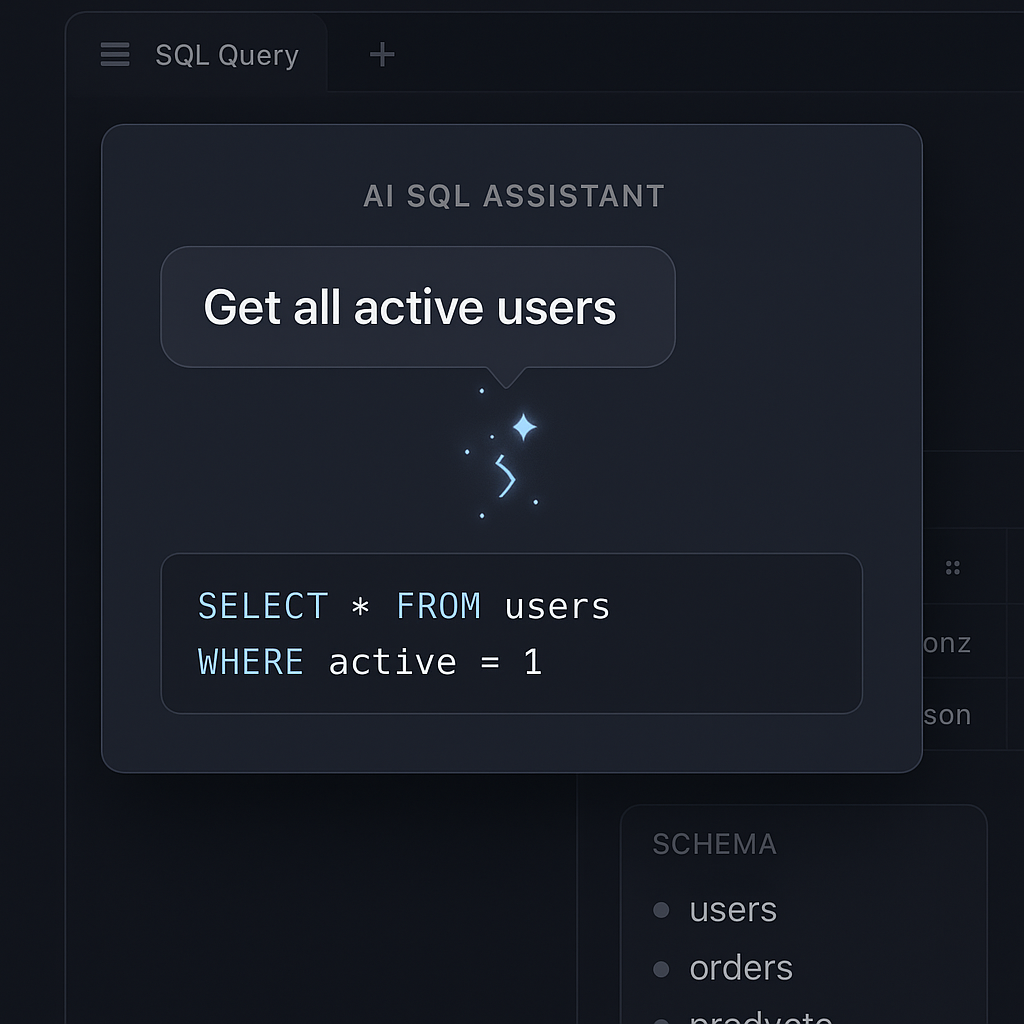
AI-Powered SQL Assistant
Describe what you want in plain English. Our multi-stage AI understands your schema and generates perfect SQL queries automatically.
Try AI Assistant→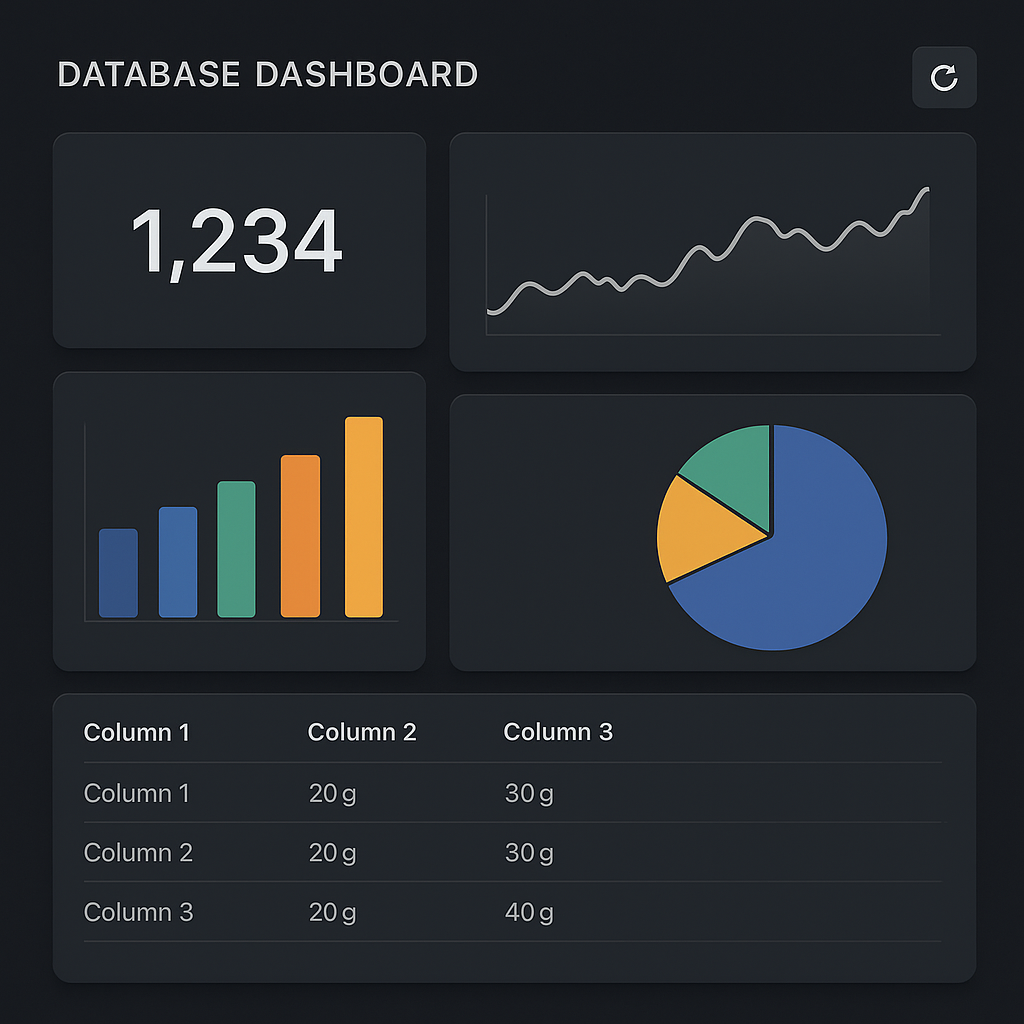
Advanced Dashboards
Create beautiful dashboards with AI-generated widgets. Visualize your data with charts, tables, and real-time metrics.
Explore Dashboards→
Schema Explorer
Navigate your database structure with ease. Browse tables, columns, indexes, and relationships in an intuitive interface.
View Features→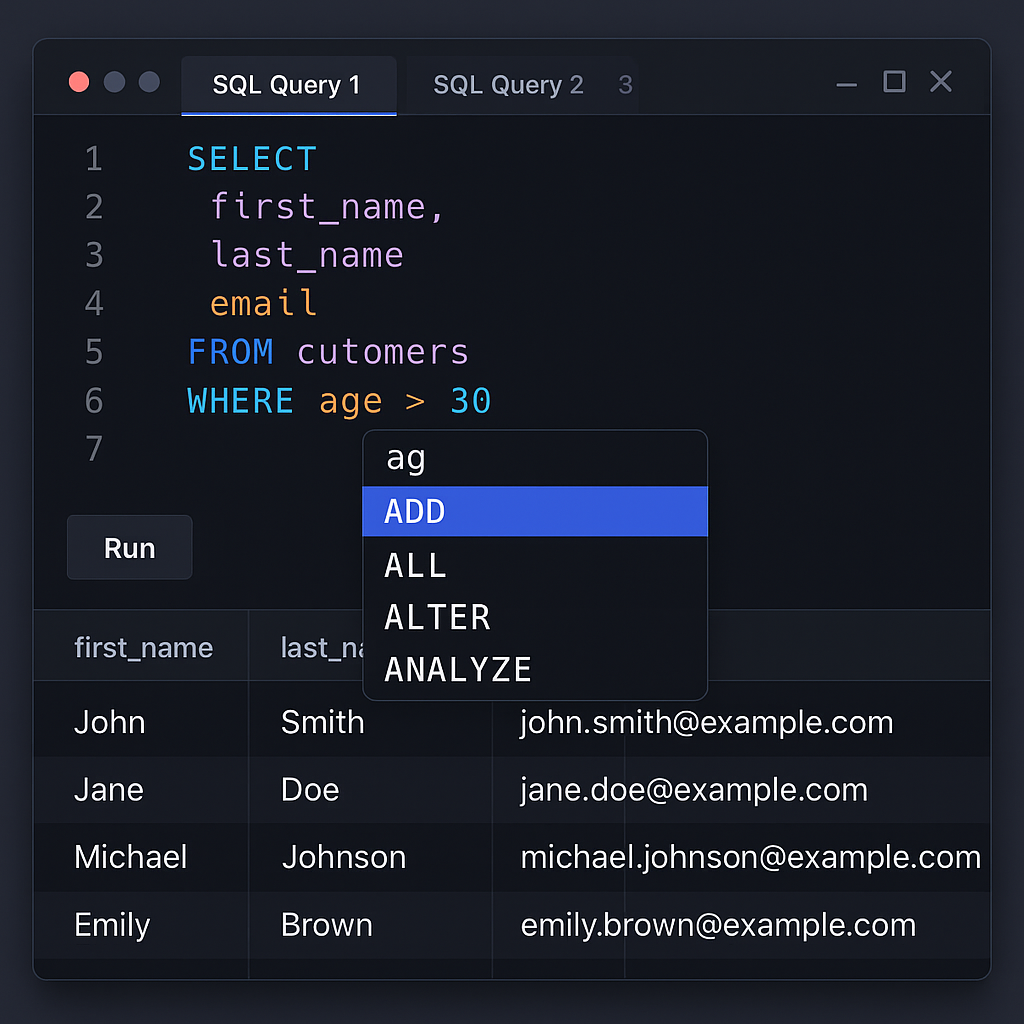
Professional SQL Editor
Write queries faster with syntax highlighting, autocomplete, and intelligent suggestions powered by Monaco Editor.
Download Now→See DBWillow in Action
Explore the powerful features that make DBWillow the best MySQL client. Each screenshot highlights a specific capability that helps you work more efficiently.
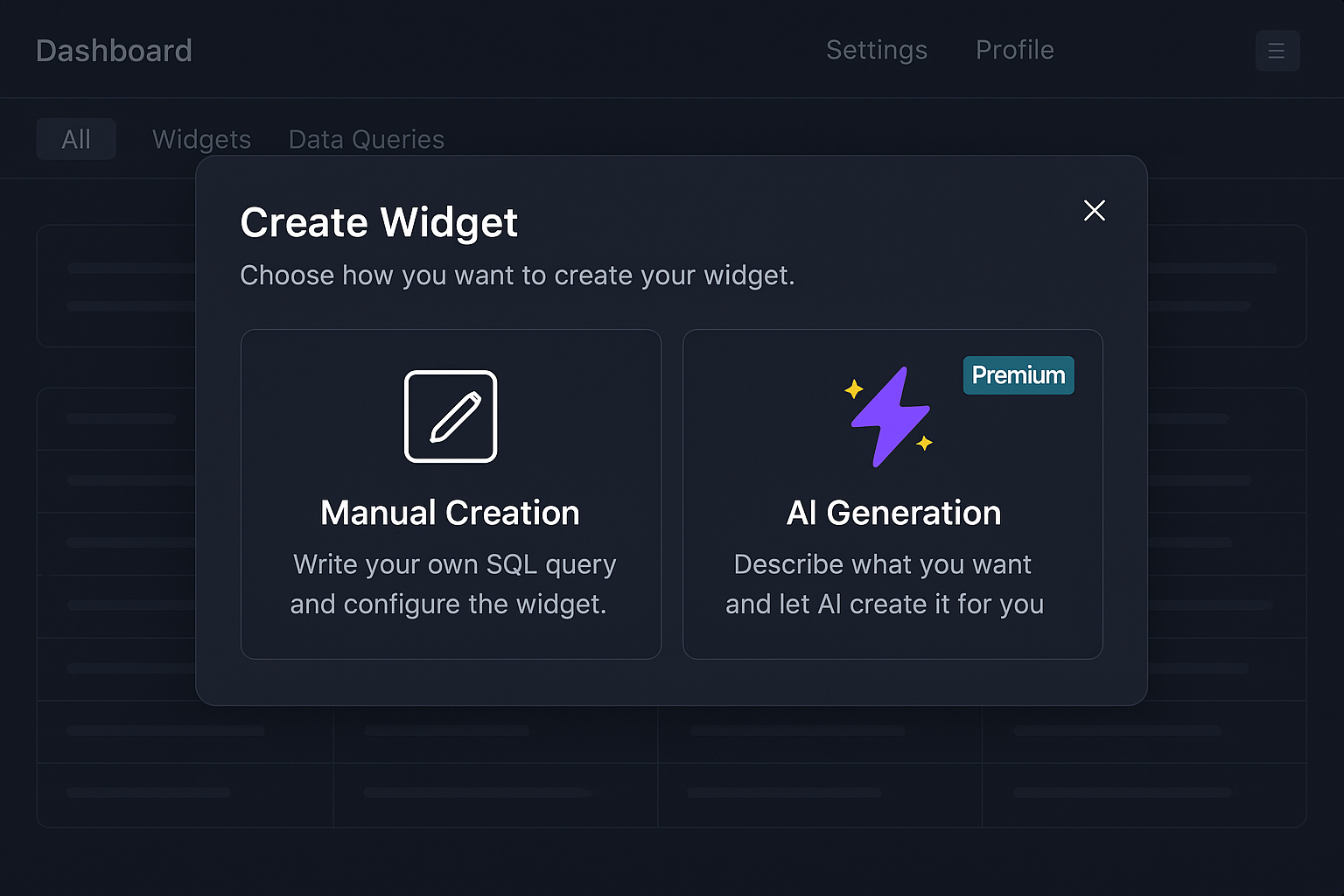
AI-Powered Widget Creation
Create dashboard widgets effortlessly with AI. Choose between manual SQL creation or let AI generate widgets from natural language descriptions.
Focus: AI Generation option with Premium badge, showing how users can describe dashboards in plain English
Key Features:
- ✓Natural language widget generation
- ✓Manual SQL query option
- ✓Premium AI features
- ✓Intuitive creation flow
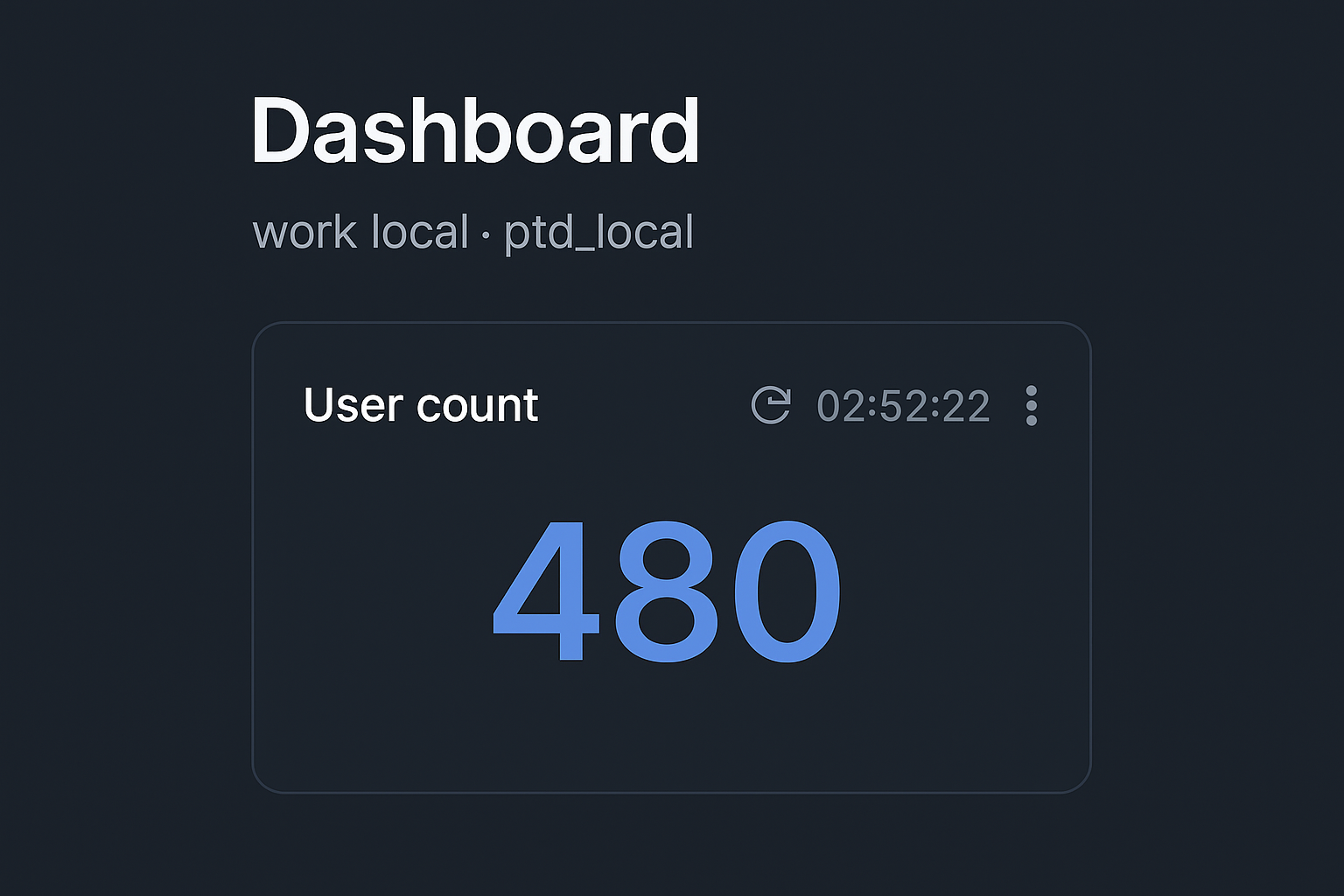
Interactive Dashboard Widgets
Visualize your data with beautiful, real-time dashboard widgets. Monitor key metrics like user counts with auto-refresh capabilities.
Focus: User count widget displaying 480 users with refresh controls and timestamp
Key Features:
- ✓Real-time data visualization
- ✓Auto-refresh intervals
- ✓Multiple widget types
- ✓Clean, modern interface
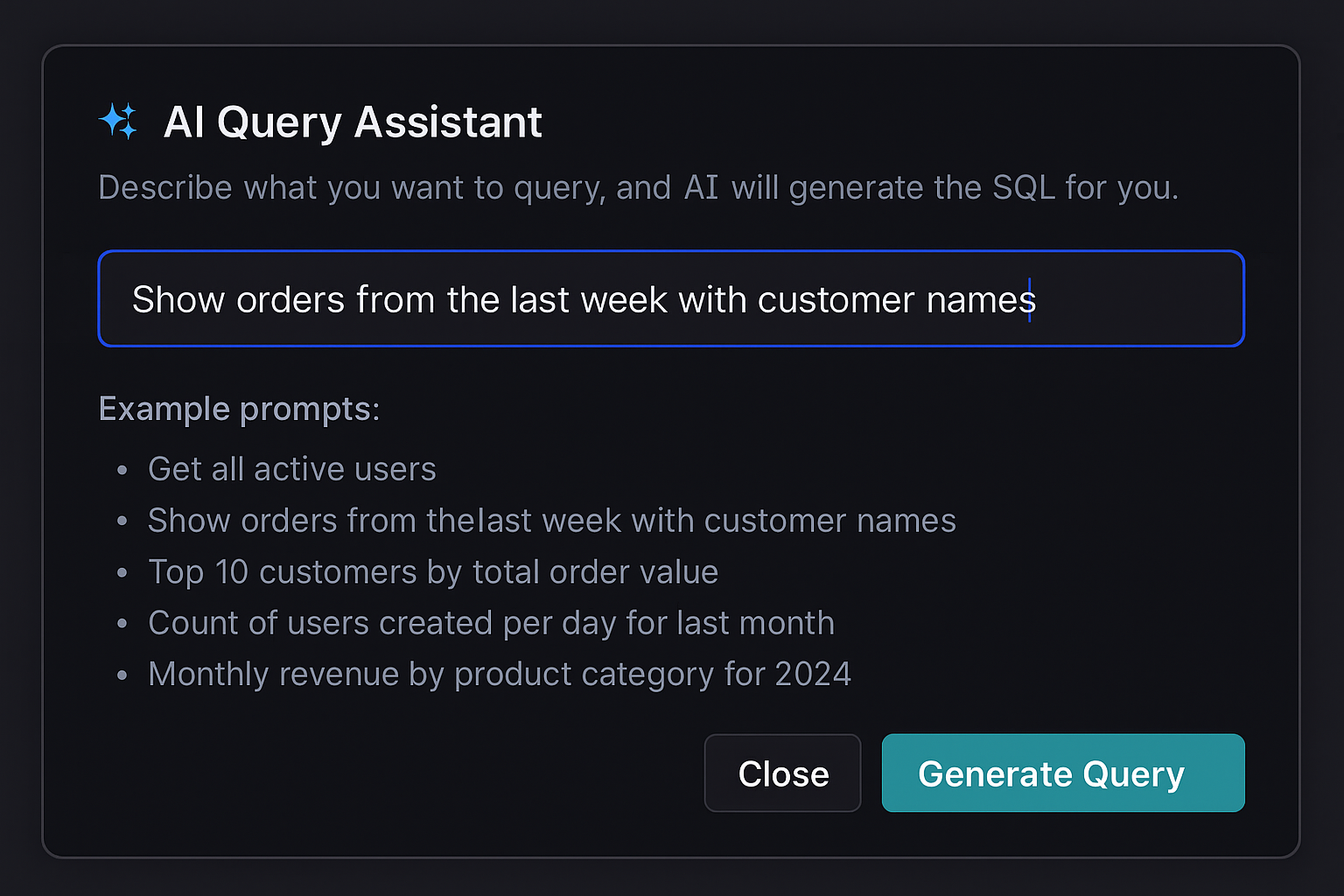
AI Query Assistant
Describe what you want to query in plain English, and our AI will generate the perfect SQL query for you. No SQL knowledge required.
Focus: Natural language input field with example prompts showing how AI converts descriptions to SQL
Key Features:
- ✓Natural language to SQL conversion
- ✓Schema-aware query generation
- ✓Example prompts for guidance
- ✓One-click query generation
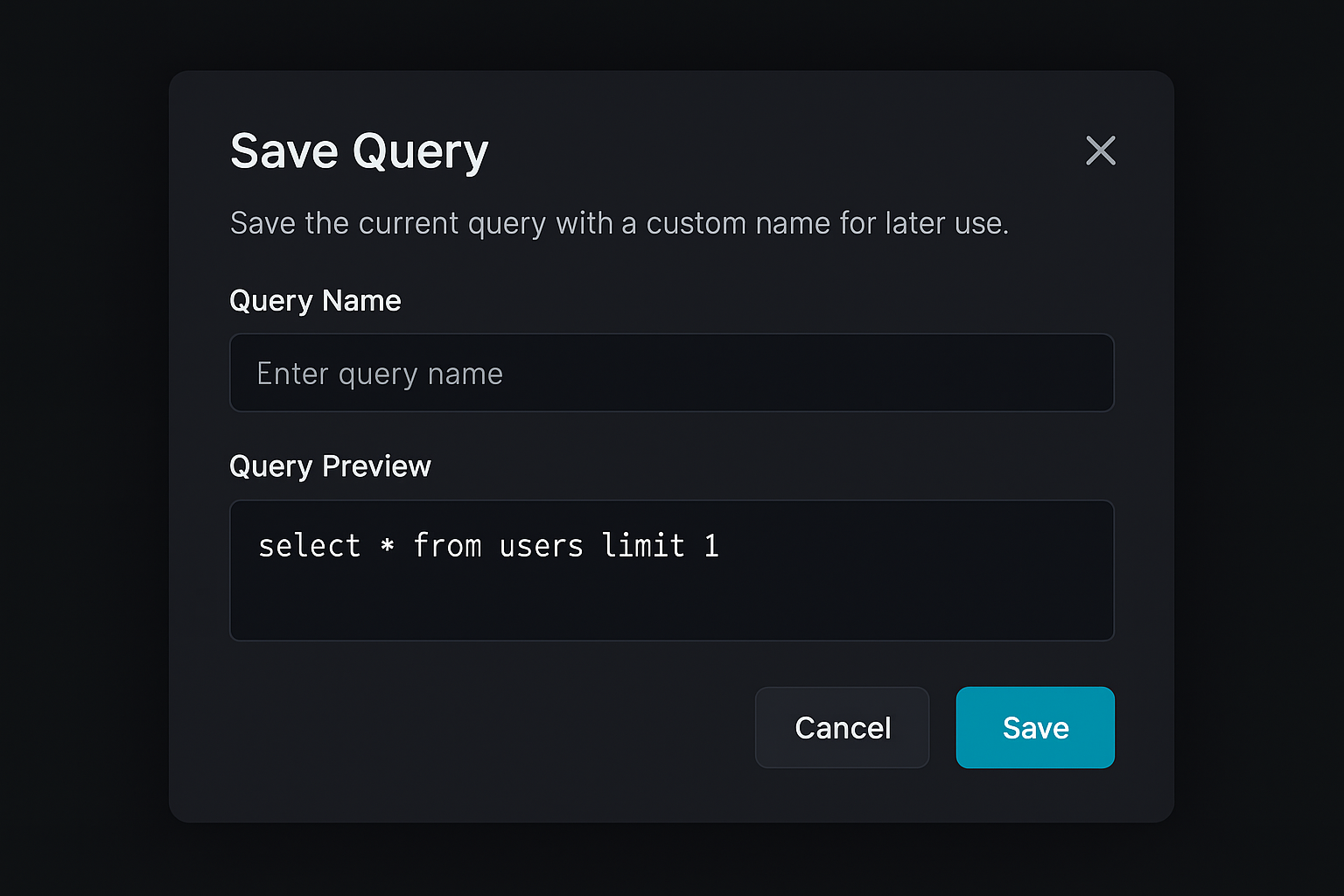
Save & Organize Queries
Save your frequently used queries with custom names. Access them anytime from your saved queries library.
Focus: Query name input and preview showing how queries are saved for later use
Key Features:
- ✓Save queries with custom names
- ✓Query preview before saving
- ✓Quick access to saved queries
- ✓Organized query library
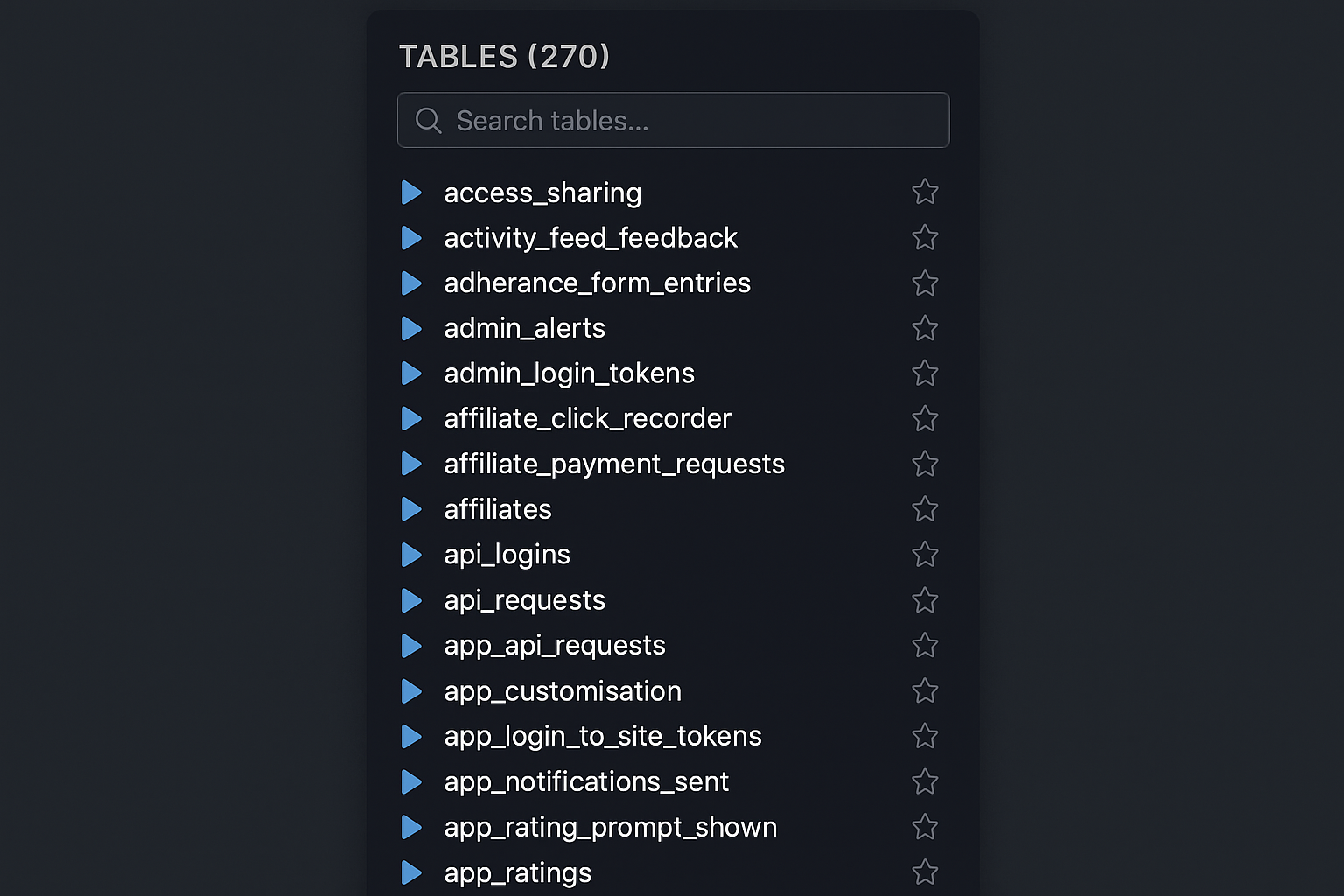
Comprehensive Schema Explorer
Browse your entire database structure with ease. Search through hundreds of tables, view relationships, and explore your schema intuitively.
Focus: Tables list with 270 tables, search functionality, and favorite/bookmark options
Key Features:
- ✓Browse all database tables
- ✓Search and filter tables
- ✓Favorite/bookmark tables
- ✓Quick table access
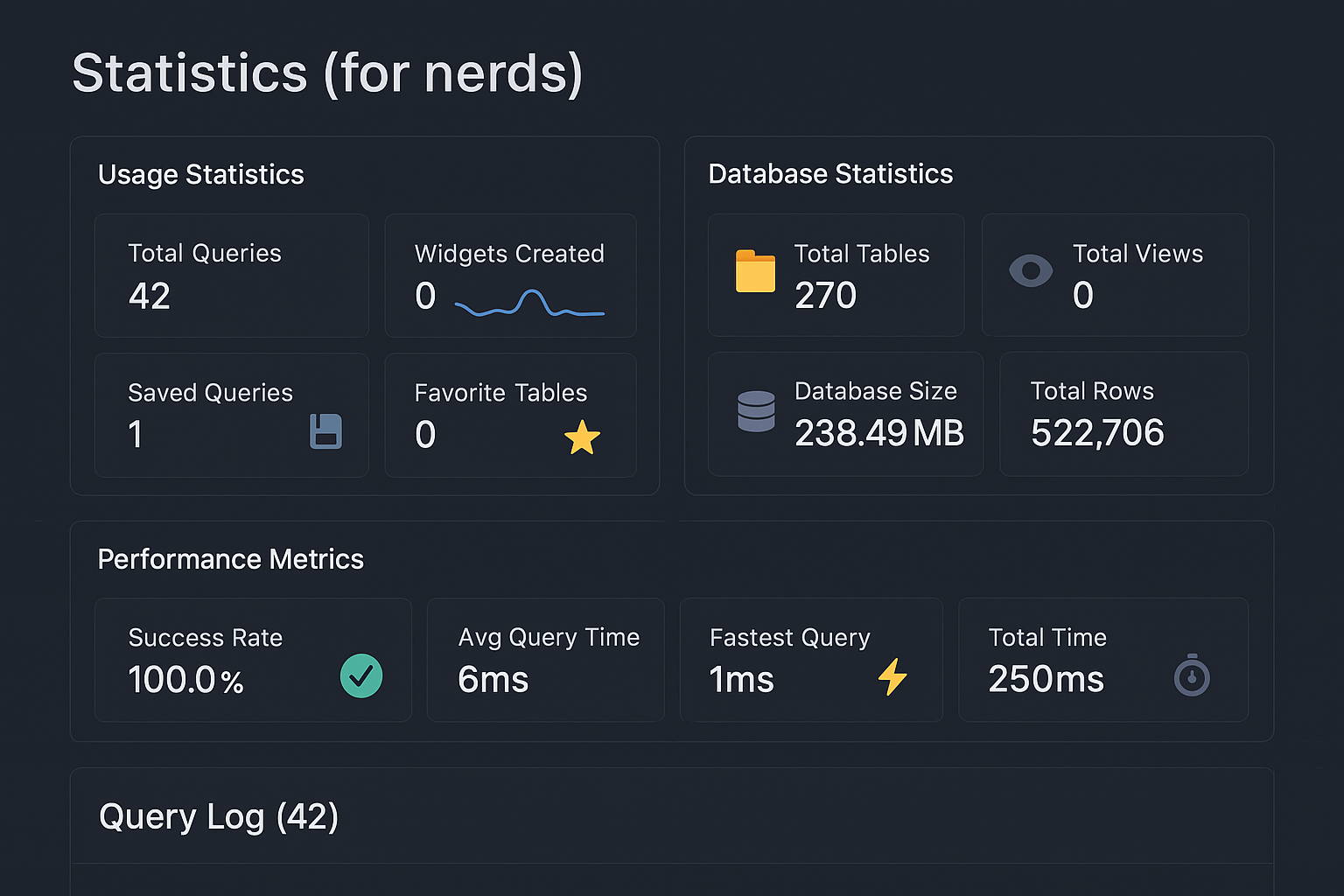
Statistics & Analytics Dashboard
Track your database usage, performance metrics, and query statistics. Monitor success rates, query times, and database health.
Focus: Comprehensive statistics showing usage, database metrics, and performance indicators
Key Features:
- ✓Usage statistics tracking
- ✓Database health metrics
- ✓Query performance analytics
- ✓Query log history
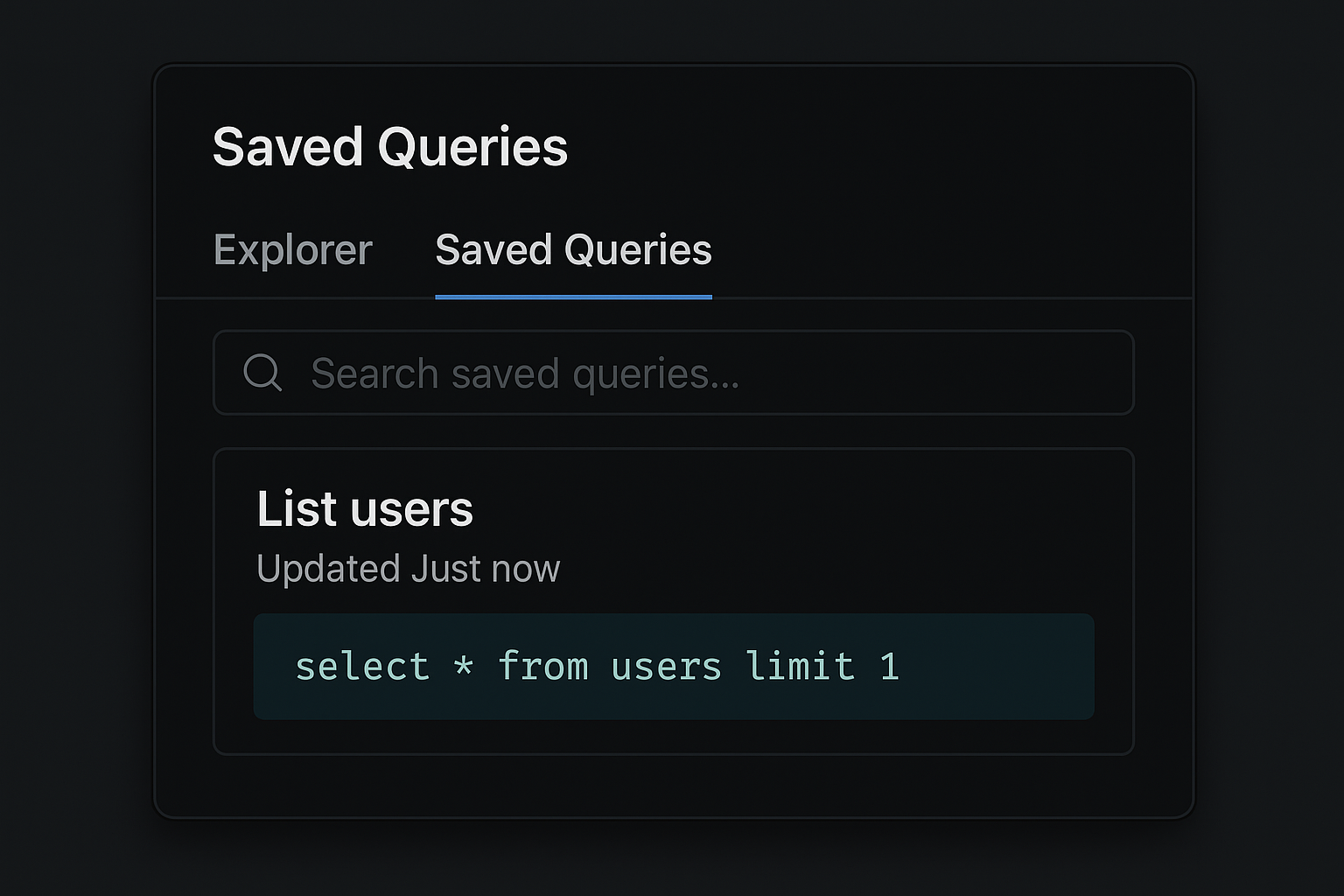
Saved Queries Library
Access all your saved queries in one place. Search, organize, and quickly load queries you use frequently.
Focus: Saved queries list with search functionality and query preview
Key Features:
- ✓Search saved queries
- ✓Query preview
- ✓Quick access to favorites
- ✓Organized query management
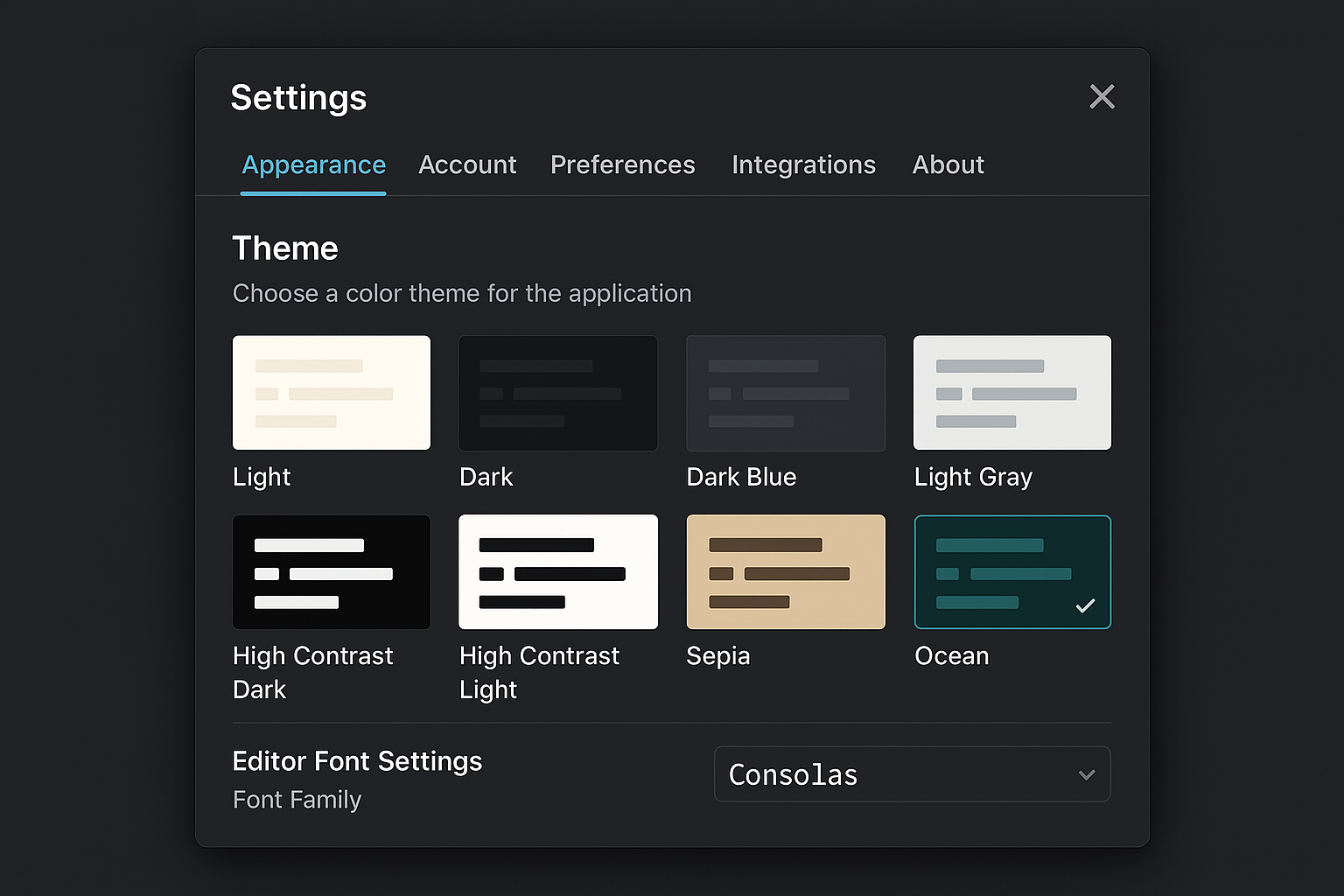
Fully Customizable Interface
Personalize your experience with multiple themes, font settings, and appearance options. Choose what works best for you.
Focus: Theme selection with 8 different options including Ocean theme (selected) and font customization
Key Features:
- ✓8 beautiful theme options
- ✓Font family customization
- ✓Editor appearance settings
- ✓Personalized experience
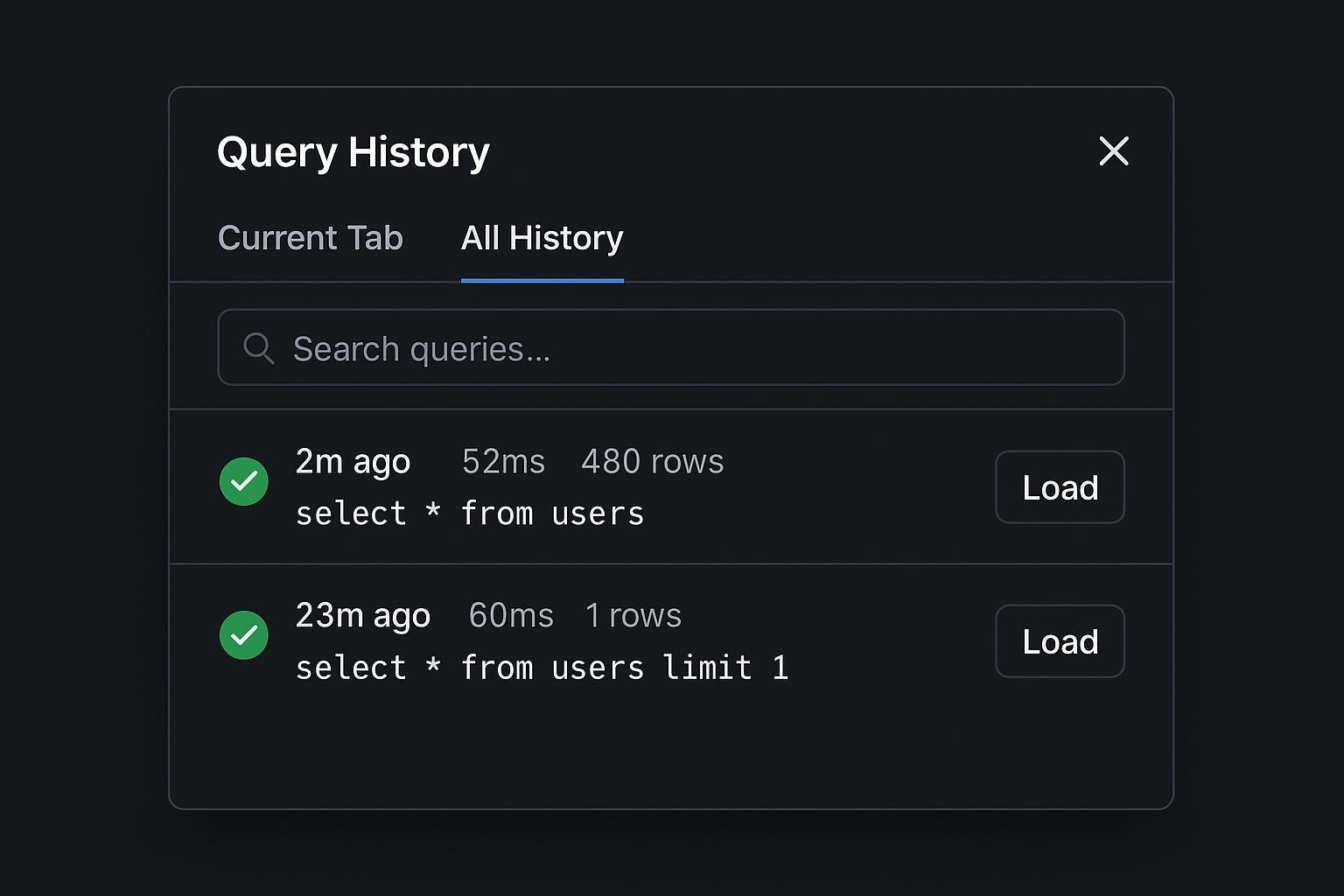
Query History & Execution Log
Review your query execution history with detailed information about execution times, row counts, and results. Reload any previous query instantly.
Focus: Query history list showing execution times, row counts, and load functionality
Key Features:
- ✓Complete query execution history
- ✓Execution time tracking
- ✓Row count information
- ✓One-click query reload
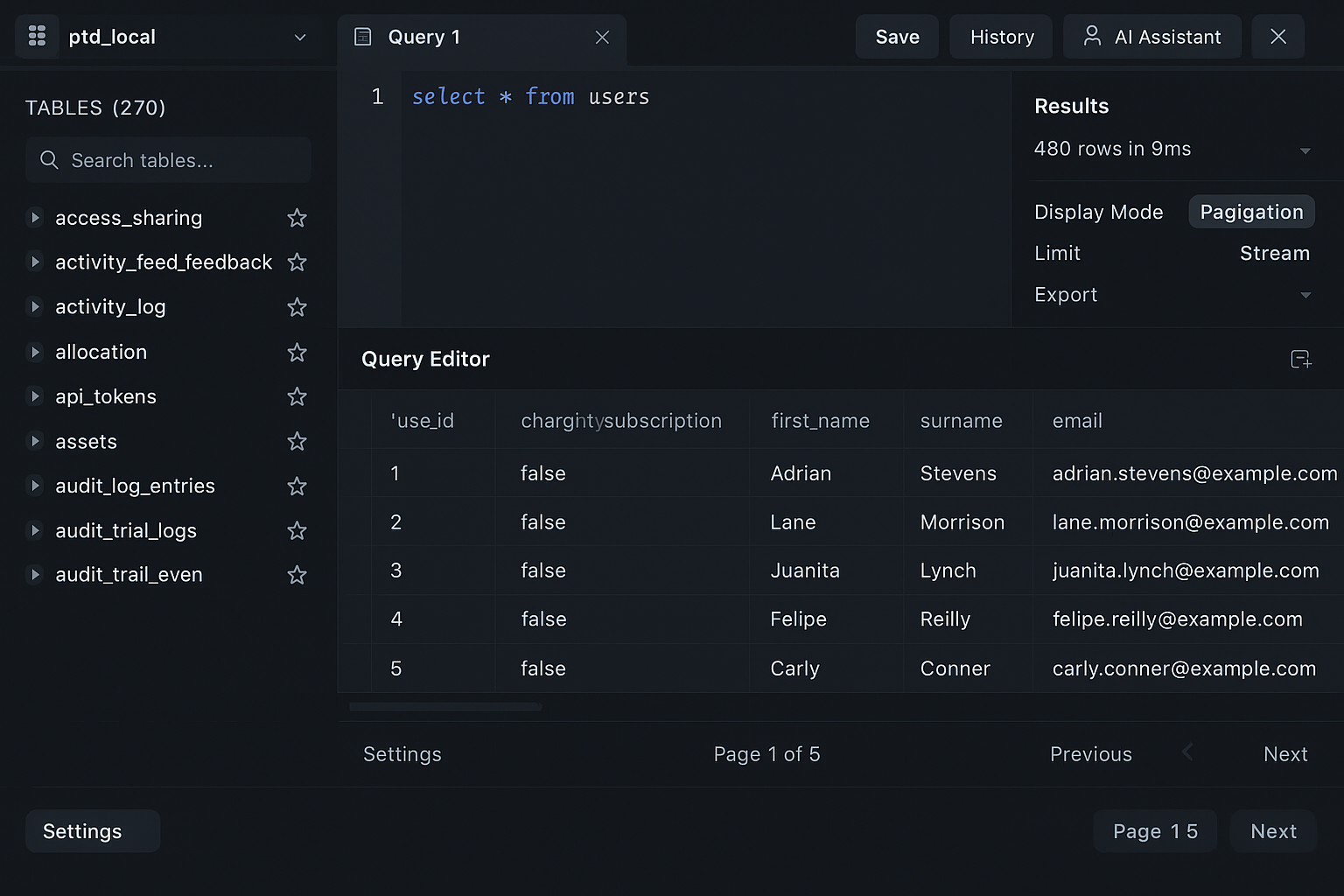
Professional SQL Editor
Write and execute SQL queries with a powerful editor featuring syntax highlighting, multiple tabs, and comprehensive result viewing.
Focus: SQL editor with query execution, results table showing 480 rows, and multiple display modes
Key Features:
- ✓Syntax highlighting
- ✓Multiple query tabs
- ✓Comprehensive result viewer
- ✓Multiple display modes (Pagination, Limit, Stream, Export)
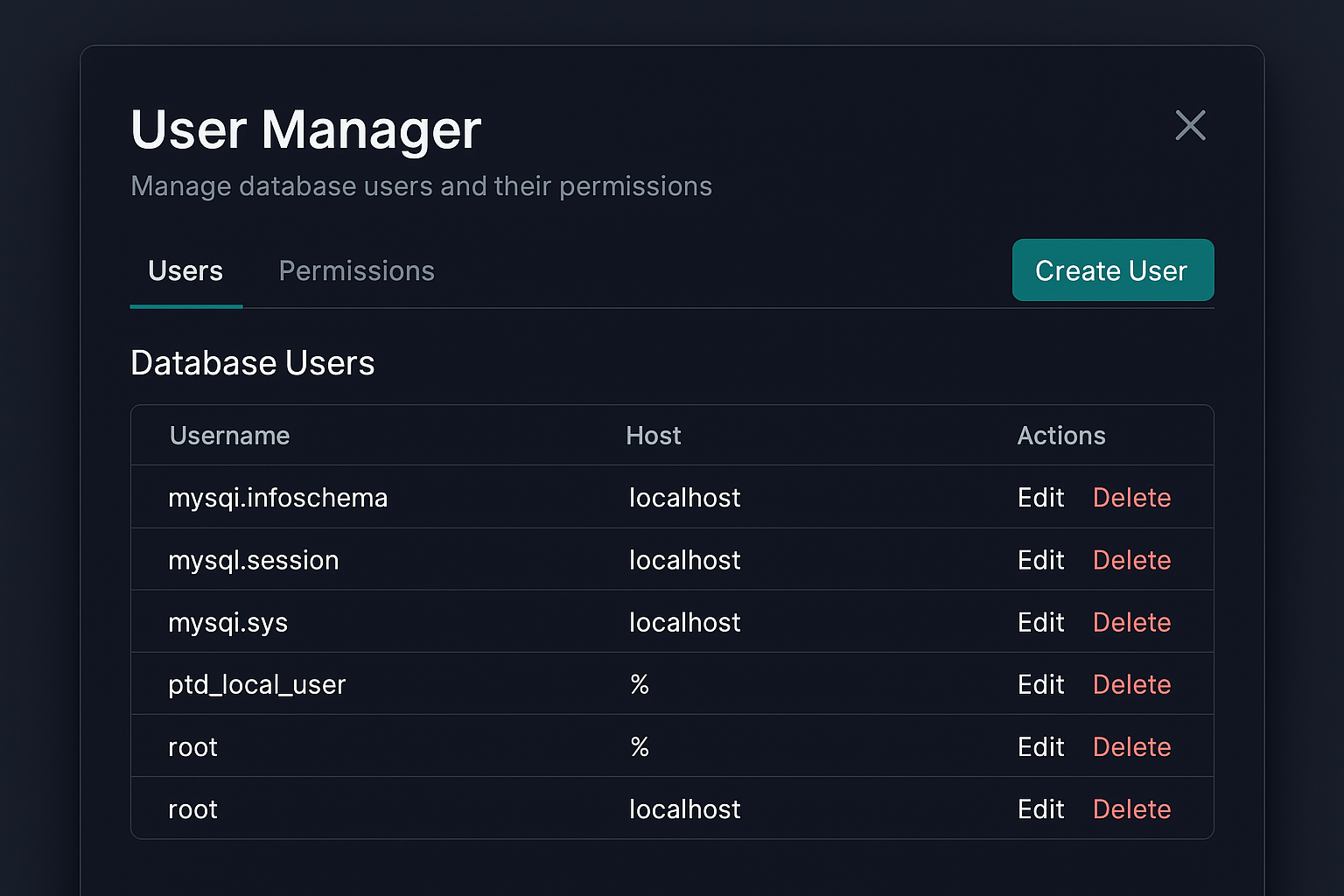
User & Permission Management
Manage database users and their permissions with an intuitive interface. Create, edit, and configure user access with role-based permissions.
Focus: User management table showing database users, hosts, and edit/delete actions
Key Features:
- ✓Create and manage users
- ✓Role-based permissions
- ✓Host-based access control
- ✓Easy user administration
Why Choose DBWillow?
AI-Powered SQL Assistant
Describe what you want in plain English. Our multi-stage AI understands your schema and generates perfect SQL queries and dashboard widgets automatically.
Import/Export Wizard
Import CSV files with column mapping, execute SQL files, and export to CSV, JSON, Excel, or SQL formats. Full database export capabilities included.
SSH Tunnel Support
Securely connect to remote databases through SSH tunnels. Support for key-based and password authentication with encrypted credential storage.
Advanced Dashboards
Create beautiful dashboards with 5 widget types: count, line charts, bar charts, pie charts, and tables. Auto-refresh and per-connection dashboards.
Database Export Tools
Export entire databases as SQL dumps or individual tables as CSV. Configure export options including schema, data, and formatting preferences.
User & Permission Management
Comprehensive user management system with role-based permissions. Create users, assign roles (Admin, Read-only, Read-write, Custom), and manage database privileges with preview before applying changes.
Table Descriptions
Add custom descriptions to your database tables. These descriptions enhance AI-powered features by providing context about table purpose and usage, improving query and widget generation accuracy.
Query Management
Save queries, view history, and organize favorites. Multiple result display modes with pagination, streaming, and virtual scrolling for large datasets.
Incredibly Affordable
Starting at $1/month (promotional) with 14-day free trial. Professional $4/month, Power $8/month. No credit card required. Better value than competitors charging $9/month.
MySQL-First
Built specifically for MySQL and MariaDB. Deep integration and optimizations you won't find in generic tools.
Secure & Private
Your data stays on your machine. Encrypted connection storage. No tracking or data collection.
DBWillow vs. Beekeeper Studio
| Feature | DBWillow | Beekeeper Studio |
|---|---|---|
| AI SQL Assistant | ✓ | ✗ |
| AI Widget Generation | ✓ (Multi-stage AI) | ✗ |
| User & Permission Management | ✓ | Limited |
| Table Descriptions | ✓ | ✗ |
| Import/Export System | ✓ (CSV, SQL, JSON, Excel) | Limited |
| SSH Tunnel Support | ✓ | ✗ |
| Database Export Tools | ✓ | Limited |
| Premium Price | Starting at $1/month | $9/month |
| Free Trial | 14 days | 30 days |
| MySQL Optimization | ✓ | Limited |
Built for Developers
Security-first workflows paired with a UI that stays out of your way.
🔒 Security You Can Trust
Credentials are locked down with AES-GCM encryption, secrets never leave your desktop, and auto timeouts guard every session.
Local vault • Encrypted secrets • Session locks
🛡️ Private by Default
Work entirely on your machine—no telemetry, optional offline mode, and full control over whatever leaves your network.
Local-first workflows • Zero tracking • Offline-ready
🎯 Intuitive Interface
A clean layout, contextual helpers, and smart defaults keep complex database work approachable for every teammate.
Guided query builder • Inline validation • Smart modals
⚡ Productivity-Focused Experience
Keyboard shortcuts, customizable panels, and saved layouts help you move quickly without hunting through crowded menus.
Command palette • Draggable panels • Saved views
See DBWillow in Action
Watch our product walkthrough to see how DBWillow makes database management effortless
Frequently Asked Questions
What is DBWillow?
DBWillow is an AI-powered MySQL database client that helps you manage databases, generate SQL queries, create dashboards, and handle user permissions using natural language. It's designed specifically for MySQL and MariaDB with a beautiful, intuitive interface.
How does the AI SQL assistant work?
Simply describe what you want in plain English, and DBWillow's multi-stage AI system analyzes your database schema and generates perfect SQL queries automatically. The AI understands your table structure, relationships, and can even create dashboard widgets from descriptions.
What makes DBWillow better than MySQL Workbench?
DBWillow is 90% faster to start, has an AI-powered SQL assistant, supports SSH tunnels, includes advanced dashboards, and offers user permission management. Plus, it's more affordable at $1/month compared to free but slow alternatives.
Is there a free trial?
Yes! DBWillow offers a 14-day free trial with full access to all features including the AI assistant. No credit card required to start your trial.
What operating systems are supported?
DBWillow is available for Windows 10/11, macOS 10.15+, and Linux (Debian/Ubuntu). All platforms receive regular updates and feature parity.
How secure is DBWillow?
DBWillow stores all credentials locally with AES-GCM encryption. Your data never leaves your machine, and we don't collect any telemetry or tracking information. All connections support SSL/TLS encryption.
Can I use DBWillow offline?
Yes! DBWillow works completely offline. The only feature that requires internet is the AI SQL assistant, which uses cloud-based AI services. All other features work without an internet connection.
What MySQL versions are supported?
DBWillow supports MySQL 5.7, MySQL 8.0+, and MariaDB 10.0+. We test against the latest stable versions and maintain compatibility with older versions.
Start Your Free Trial Today
No credit card required. Full access to all features for 14 days.
Sign Up Now